Save the Financial statements in MYOB Practice Compliance directly from Client Accounting and simplify the process of keeping all your documents in a single place.
It's an easy one-click action, and it will automatically send the financial statements to Practice Compliance.
Once the financial statement is saved, you can organise, pin and profile the documents. You can also collaborate with your client using our Portal and get the documents digitally signed.
In Client Accounting, select Export to see the Export history of the Financial statements.
Click the paper clip icon to send the statement.

Once the upload is successful, you can either Go back to Client Accounting or View the document you’ve saved.
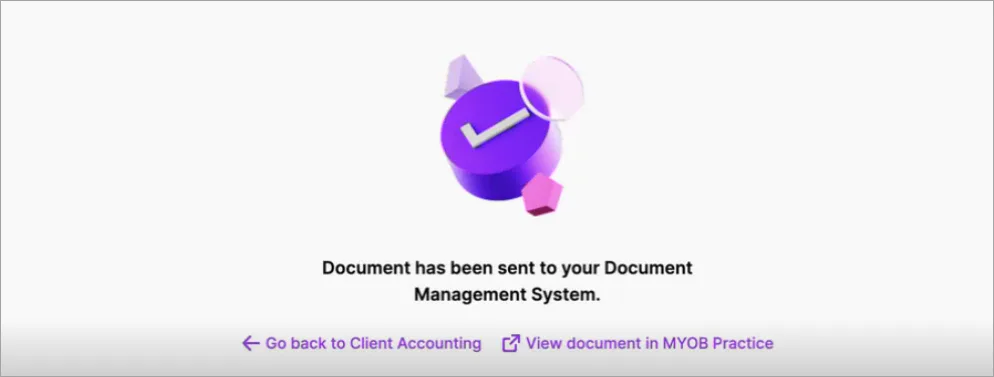
The Financial statement is now ready in Practice Compliance.
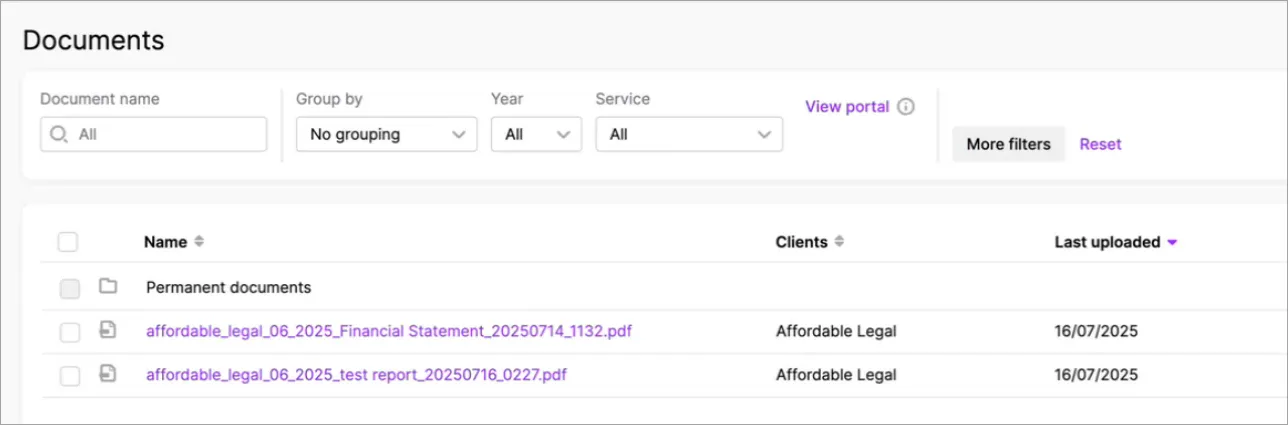


The document name structure is <company name, month and year, type of document, current date and time>
FAQs
If I accidentally delete the document in MYOB Practice, will it also be deleted in Client Accounting?
No, it doesn’t delete the financial statement in Client Accounting.What should I do when I get an error while uploading?
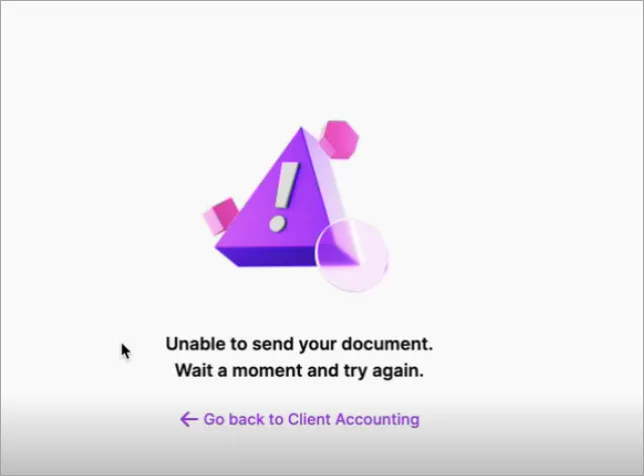
If you get an error while sending the document, try again in a few minutes.
If you still see an error, contact our support team.